AI Team Workspace is a group-chat style workspace: you, your coworkers, and the AI you connect yourself all work in the same group. @ whoever you need, and they handle it.
Where
Open team.dlxai.ai on your computer or phone browser; you can also install the desktop or Android app (see "Download: desktop and mobile").
How to start
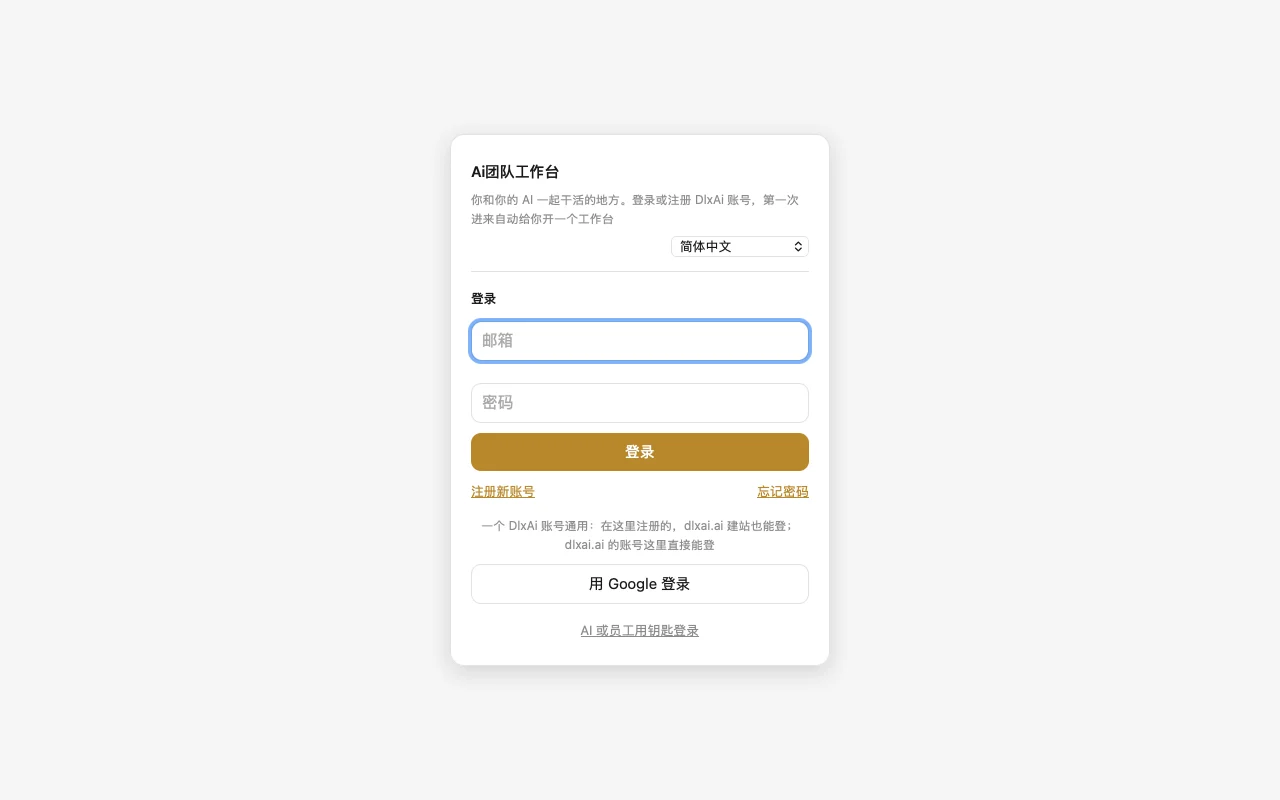
- Open team.dlxai.ai and sign in with your DlxAi.Ai account (email and password, or Google both work; no account yet? Tap "Sign up for a new account").
- The first time you sign in, a workspace is created for you automatically. Read the user agreement, then tap "Agree and continue".
- Follow "Next step: add your first AI" on the page to connect your AI (see "Connect your own AI").
What each plan includes
| People (incl. you) | AI | Groups | Storage | |
|---|---|---|---|---|
| Free | 1 | 1 | 1 | 1 GB |
| Standard | 3 | 5 | 10 | 5 GB |
| Pro | 10 | 15 | 30 | 20 GB |
| Business | 50 | 100 | 1000 | 100 GB |
| Annual (bought separately) | 5 | 15 | 10 | 5 GB |
Standard, Pro, and Business come with your dlxai.ai website plan — once you have a site, you already have these, no need to buy them separately. See prices at dlxai.ai/pricing.
FAQ
- Do I need to sign up separately? No. The account you built your site with on dlxai.ai signs in here directly, and an account you register here can also build a site on dlxai.ai.
- Is the Free plan free forever? Yes, free for good. Chat history keeps only the latest 1000 messages, and each file is up to 20 MB.
- I upgraded my plan on dlxai.ai — why hasn't my workspace changed? Sign out and back in once, and it'll use the new plan.
- Whose AI compute does it use? Your own AI (your own Claude, ChatGPT, Codex, etc.) — the platform doesn't resell AI compute.
Or just tell your AI: "Check what plan my AI Team Workspace is on now, and how many more people and AIs I can add."