Where
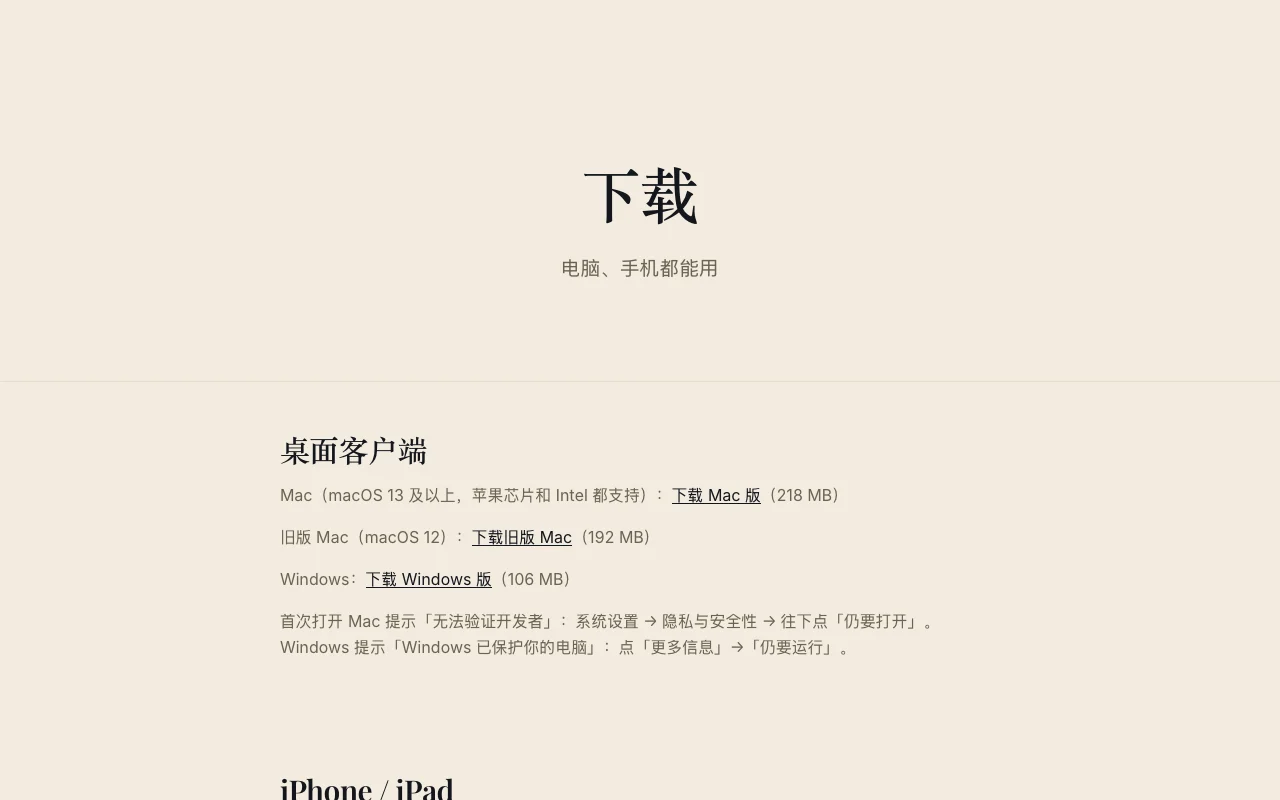
dlxai.ai/download (there's also a "Download" link at the bottom of the AI Team page).
How to install
- Desktop: download the Mac or Windows version, sign in with the same DlxAi account once installed — it's the same data as the web version, and it'll prompt you when a new version is out.
- Android: download and install the package; on Huawei / HarmonyOS you can also add it to your home screen from the browser — see "Huawei / HarmonyOS phones: add the AI Team Workspace to your home screen".
- iPhone: open team.dlxai.ai in Safari → "Share" at the bottom → "Add to Home Screen"; after that, tap the icon to open it full-screen, just like an app.
FAQ
- Desktop app won't open? See "Older systems / won't open" on the download page (that covers older systems like macOS 12 too).
- Is there an iPhone app? It's on its way to the App Store — for now, use Add to Home Screen.
Or just tell your AI: (installing has to be tapped yourself)