Where
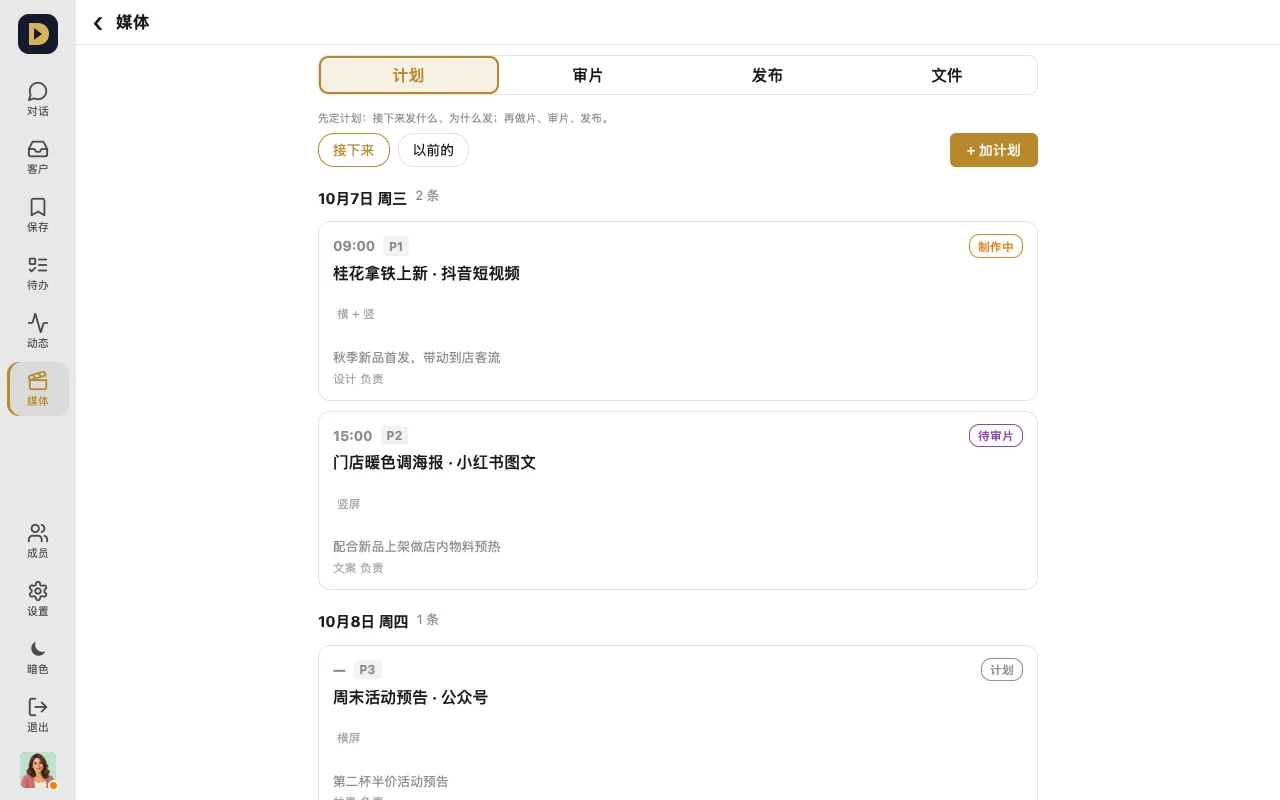
"Media" in the bottom bar, with "Plan / Review / Publish / Files" inside.
How to use it
- Plan: tap "+ Add plan" and write what to post, which platform, and which day for each item, so you can see at a glance how far each one's got.
- Review: a teammate taps "Submit for review" on a video in "Files"; you watch it in "Review", write comments, and tap "Approve" or "Reject" in one tap.
- Publish: a finished video shows up in "Publish" previewed the way it'll look on TikTok, Xiaohongshu, WeChat, etc. — the cover, title, and caption can all be copied — and you publish once you're happy with it.
Which plans
- Plan, Review, Publish: Standard and up (Annual too). Free can see what this page looks like, but the buttons are greyed out
- Files: every plan
FAQ
- What happens after a reject? Whoever submitted it fixes it and resubmits — your comments stay on that review.
Or just tell your AI: "Put next week's three videos into the media plan — one each on Tuesday, Thursday, and Saturday, for TikTok and Xiaohongshu."